IRISORA STUDIO FOR PROFESSIONAL IRIS PHOTOGRAPHERS
Turn your iris captures into individual artworks.
Edit your irises and design personal compositions from them. Decide on arrangement, effects and blending yourself – with free effect templates .
5 free iris edits included
4K / 300 dpi included
Every finished iris is automatically available for download at 4096 × 4096 pixels and 300 dpi – at no extra cost.
- From €1.30 net per iris
- 4K / 300 dpi included
- Effect templates without extra cost
- No subscription
Already have access? Go to studio login


IRISORA Studio on video
A short look inside IRISORA Studio – from iris editing to the finished composition.
One workflow – then it is your choice
Only the first step is fixed. After that you decide: download in 4K and edit it yourself, design in the design editor, .
1. Edit the iris
Tune iris structure, natural colours and dimensional depth in the editor. Automation handles the repetitive steps.
2a. Optional: download 4K and edit it yourself
Download the finished, cut-out iris at 4096 × 4096 pixels and 300 dpi and work on it freely in Photoshop or your preferred image editor. No art style required.
2b. Optional: design editor
Set arrangement, sizes, rotation, effects and blending yourself – with effect templates and without extra costs.
2c. Optional: AI-generated art style
When it needs to be quick, the AI creates a style variant from your irises.
Art styles are completely optional
After generation you can download the finished iris directly in 4K and then edit it manually in Photoshop or your preferred image editor, entirely in your own style. Alternatively you can use the design editor . You decide which workflow suits your studio and your own visual signature. IRISORA does not impose a fixed style.
Two editors, one project
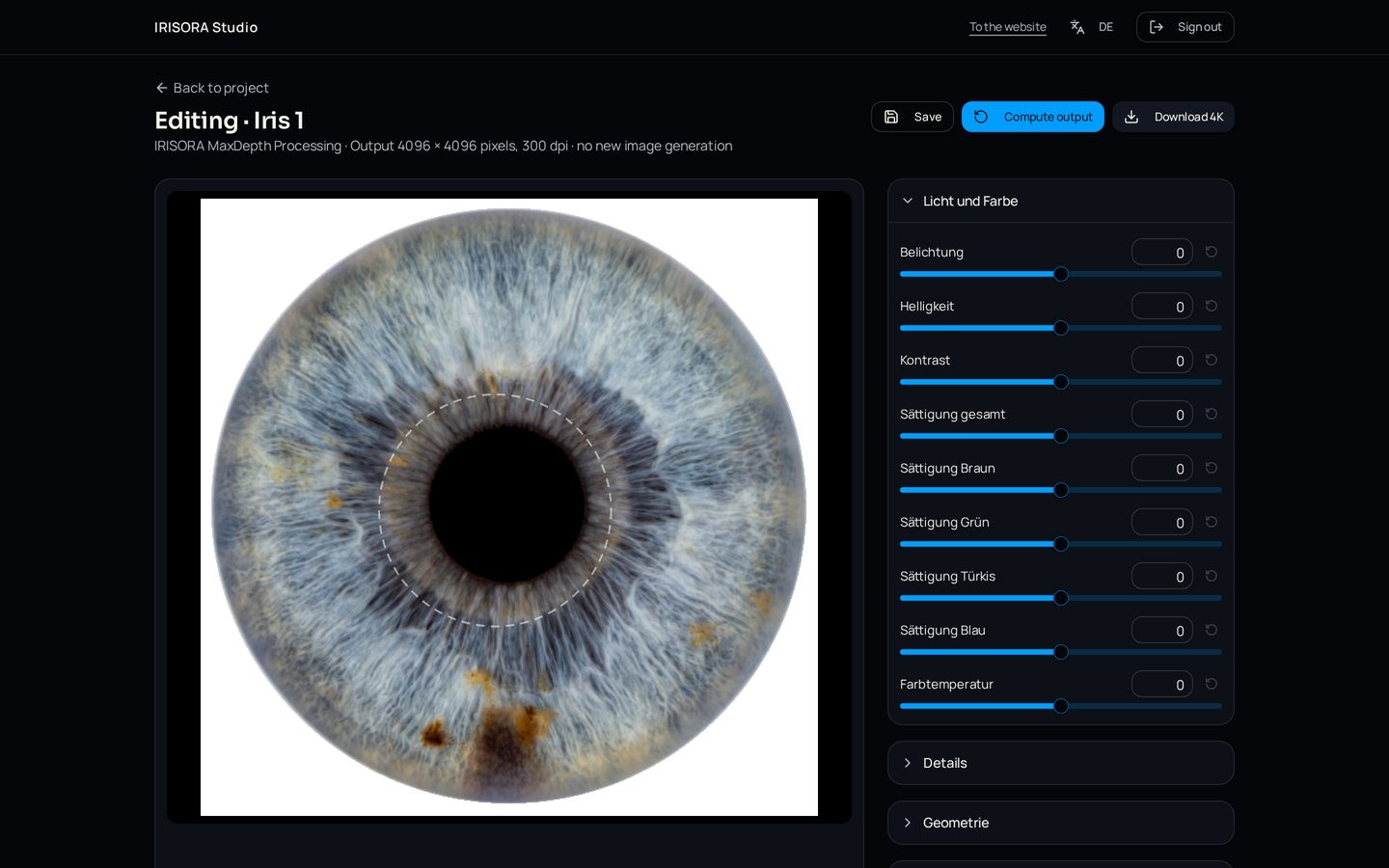
Iris editor – the detail in focus
The iris editor is non-generative: it only changes what you set. Light, colour, structure, pupil and iris edge stay in your hands.
- Brightness, exposure, contrast, dynamics and colour temperature
- Structure and clarity for visible fibres and crypts
- Pupil correction and a softly fading iris edge
- Settings are stored per iris
Design editor – your composition, your decision
Build the composition yourself from the finished irises of a project. The effect comes from an effect template and picks up the colours and structure of each iris.
Place irises freely and set their order
Reproduce the family or couple order your client asked for instead of explaining it afterwards.
Adjust iris size and effect extent
Emphasise one iris deliberately or keep them all equal – to suit the wall format ordered.
Rotate iris and effect independently
Bring a favourite part of the iris to the front without turning the effect with it.
Zoom the iris structure inside the effect
The effect picks up the colors and structure of that iris – finer or coarser as you wish.
Set blending per pair of irises
Let two irises merge softly while a third pair stays clearly separated.
Portrait, landscape and square formats
Design straight for the print that was ordered instead of cropping afterwards.
Save drafts and continue later
Start a composition, discuss it with your client and pick it up again later.
Your own composition presets
Store a proven arrangement as a preset and reuse it on the next order.
Keep several results
Keep variants side by side and download them individually or together as a ZIP file.
Two ways after iris generation
All ways use the same processed irises from your project. You decide per order.
Download 4K and edit it yourself
- Download the finished, cut-out iris at 4096 × 4096 pixels and 300 dpi.
- Use it freely in Photoshop or your preferred image editor.
- No additional extra costs needed.
Recommended when you want your own visual signature.
Art Style Editor – design it yourself
- Direct control over arrangement, sizes, rotation and blending.
- Effects pick up the colors and structure of each iris.
- New compositions without additional extra costs.
- 4K output of the composition included.
Recommended when your client has a precise idea in mind.
Important: designing with effect templates including the 4K output is included. Processing each individual iris beforehand remains chargeable under the existing credit model.
The same irises. Different possibilities.
Single, couple and family motifs come from the same processed irises – and look completely different depending on arrangement, format and effect.
Art styles created with the Design Editor
These artworks were created with effect templates in the design editor – no AI and no extra costs. Every one of these styles can be used for artworks with any number of people and any arrangement: from a single iris to a family motif, freely placed, rotated and blended.
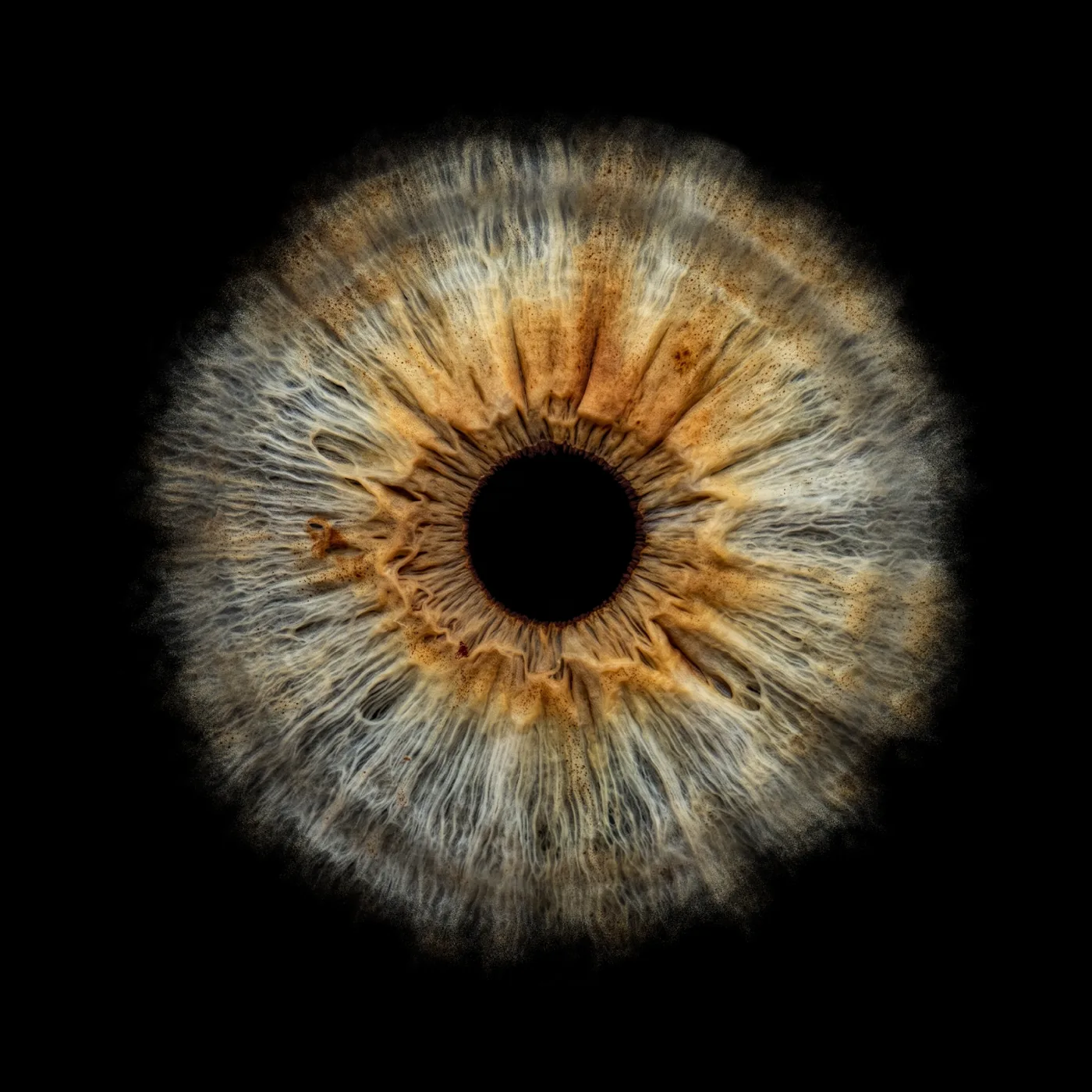
Soft dust edge
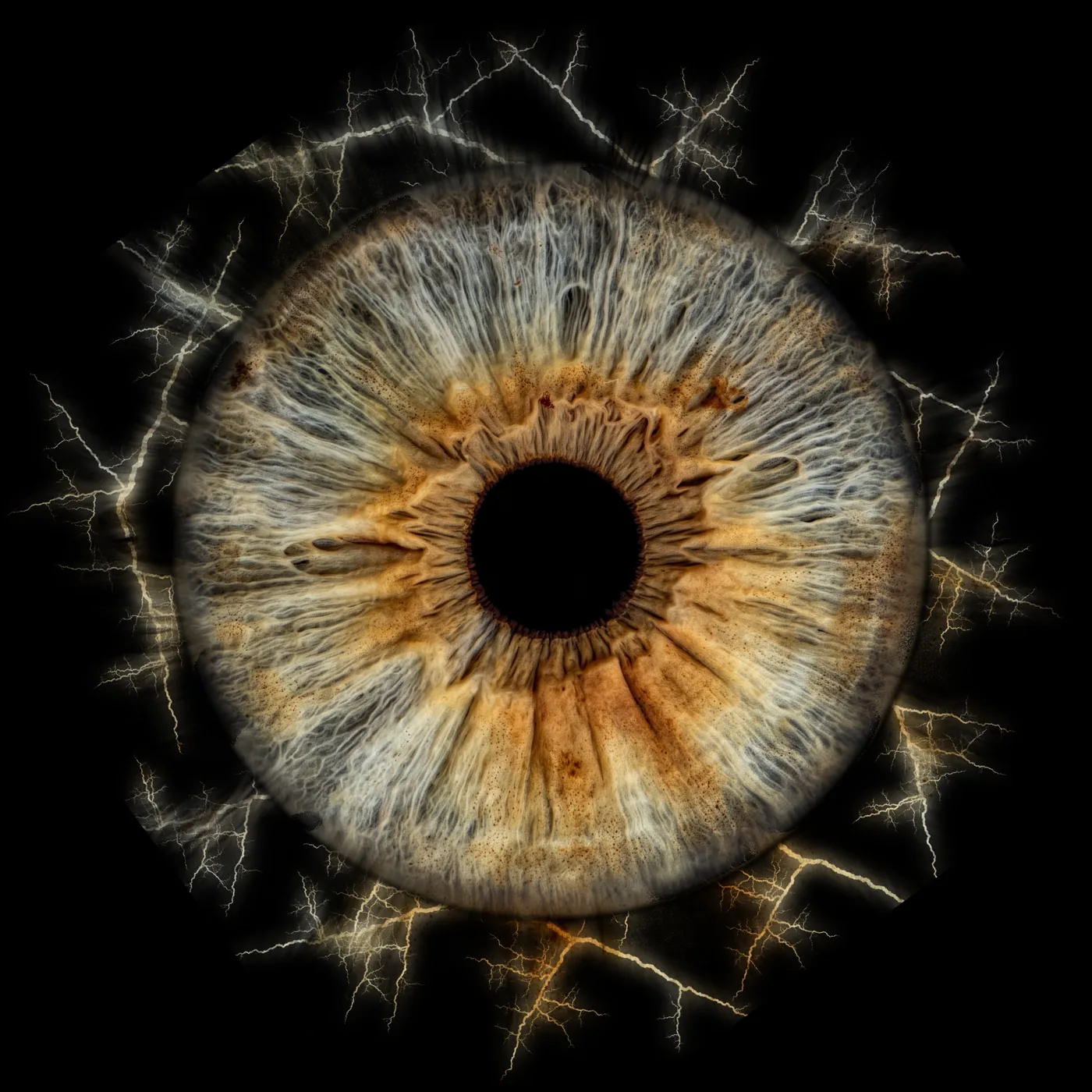
Lightning
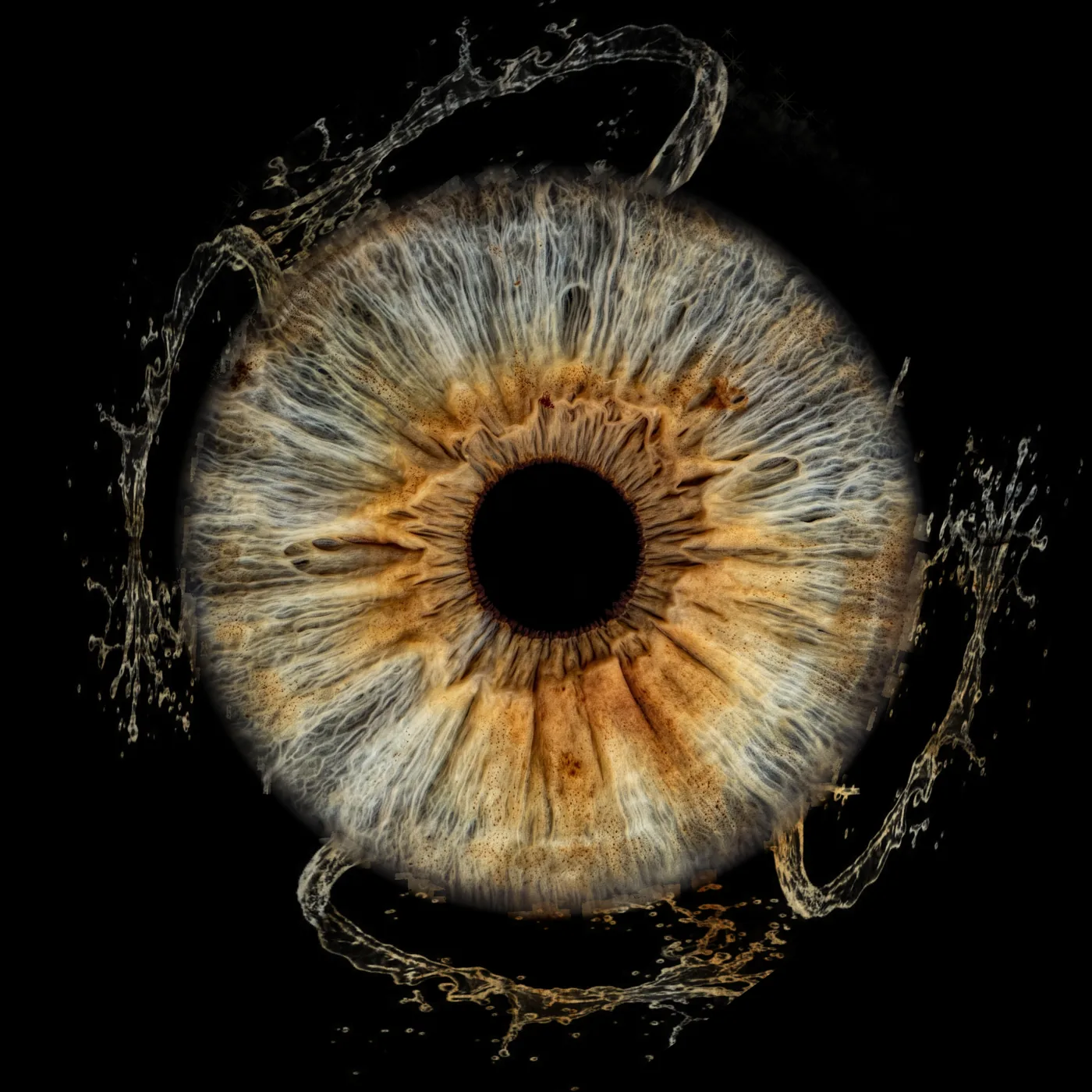
Water splash
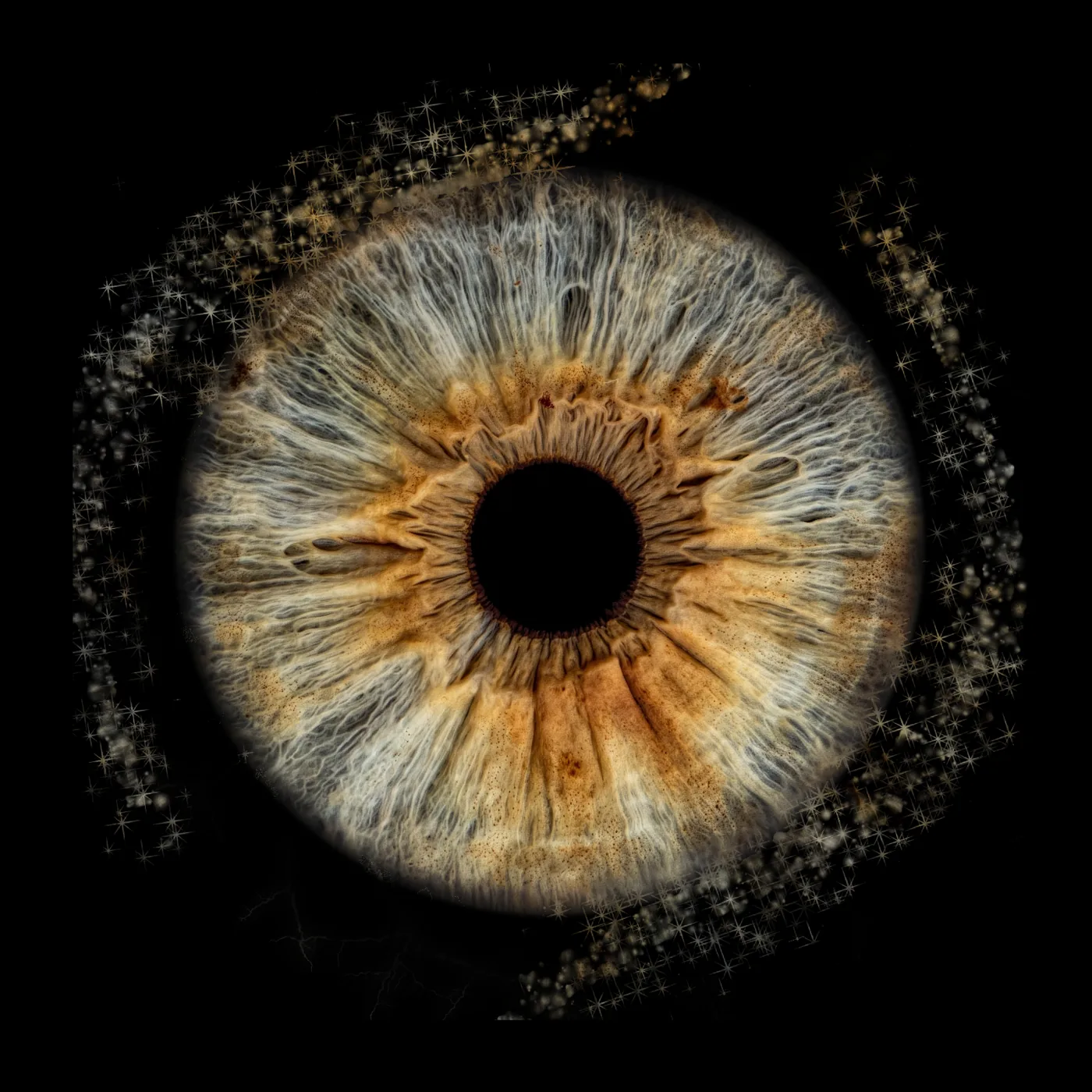
Stardust
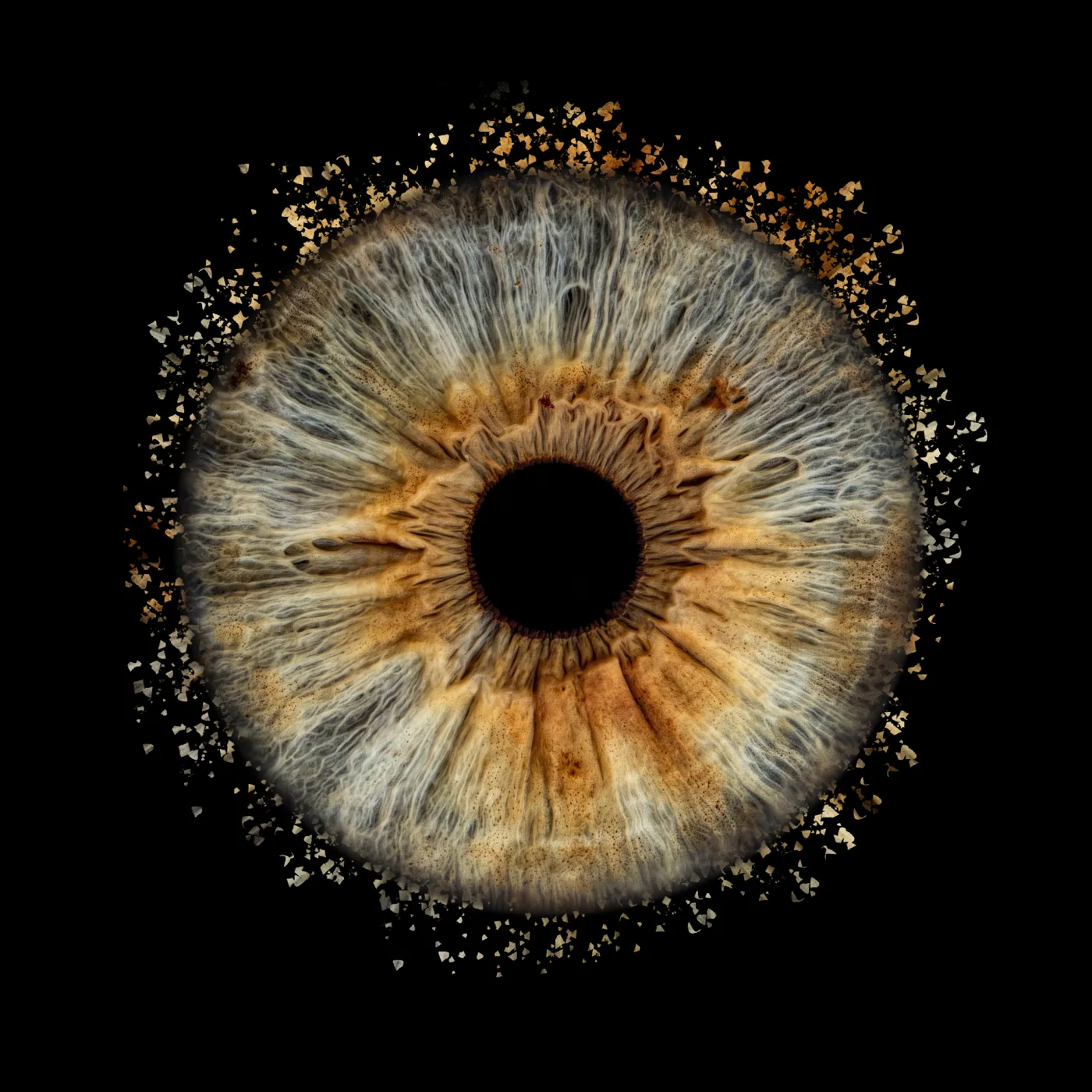
Particles
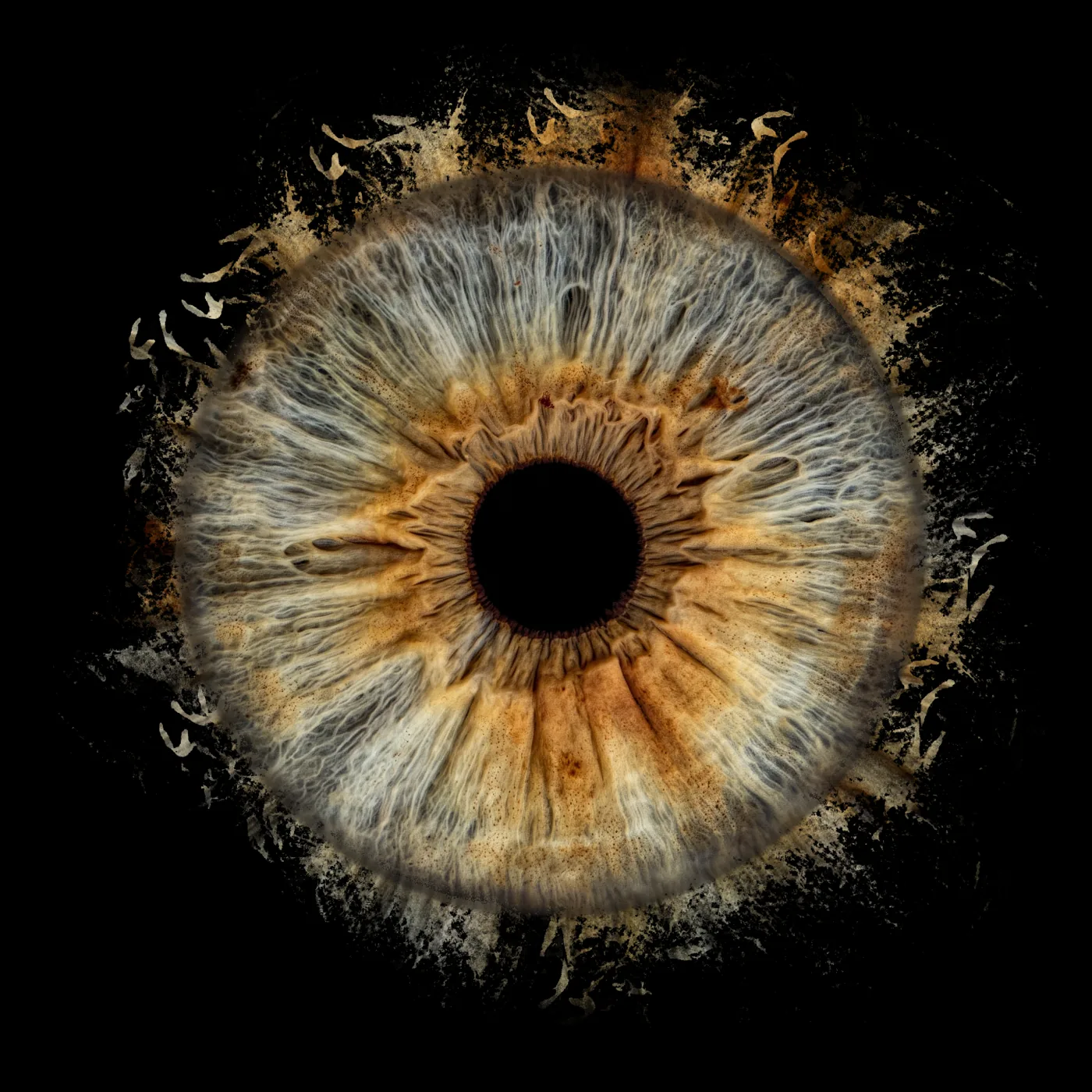
Solar winds
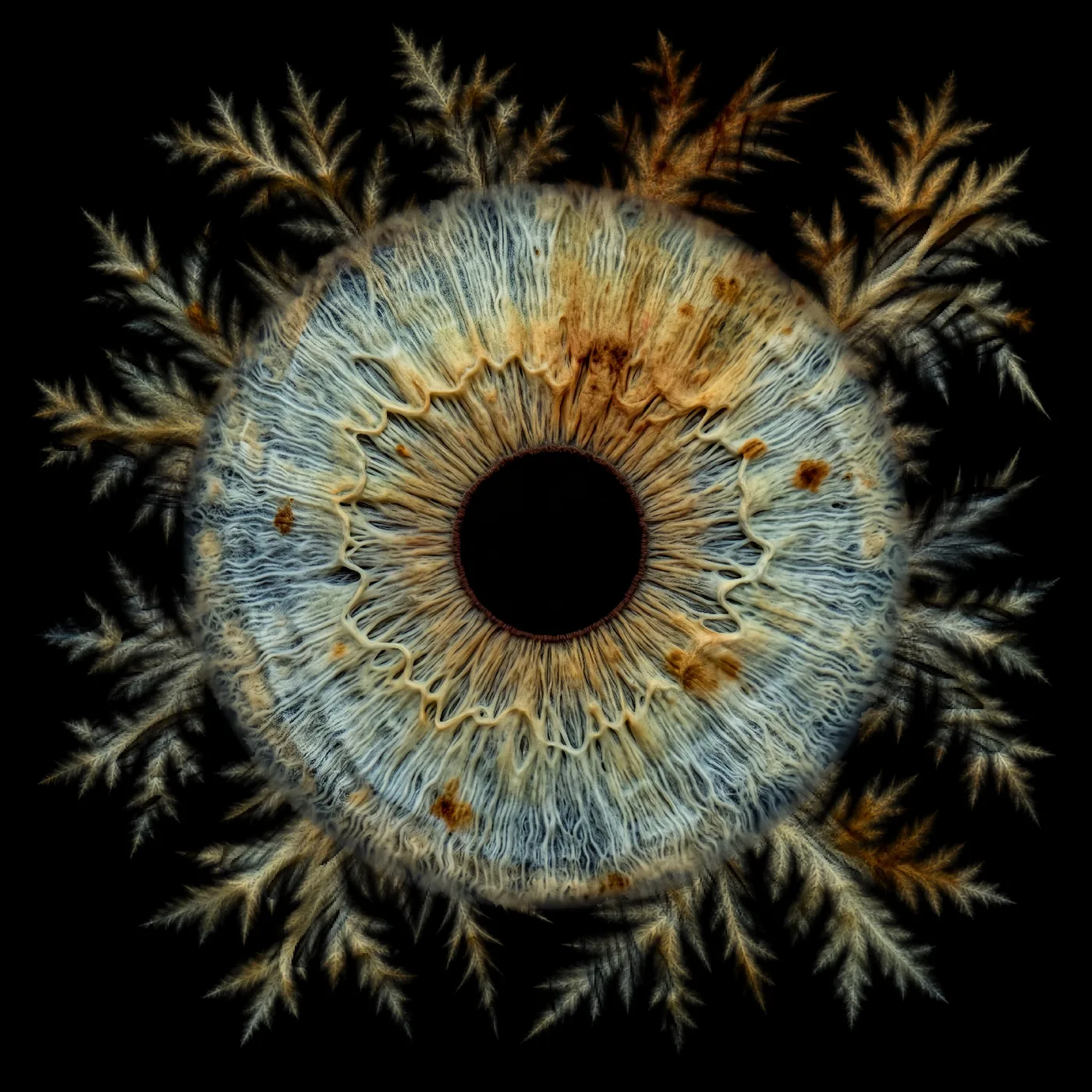
Feather frost
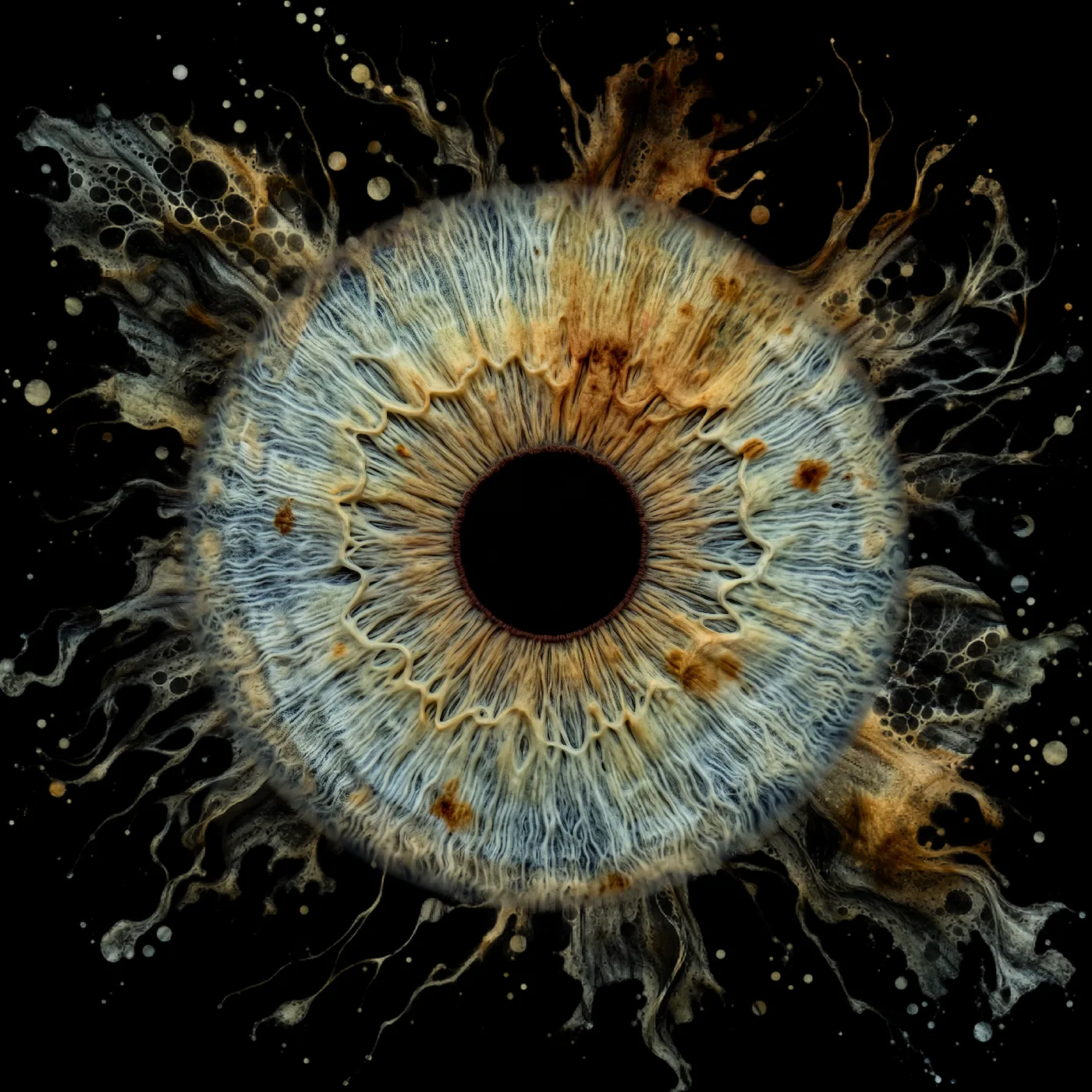
Marble ink
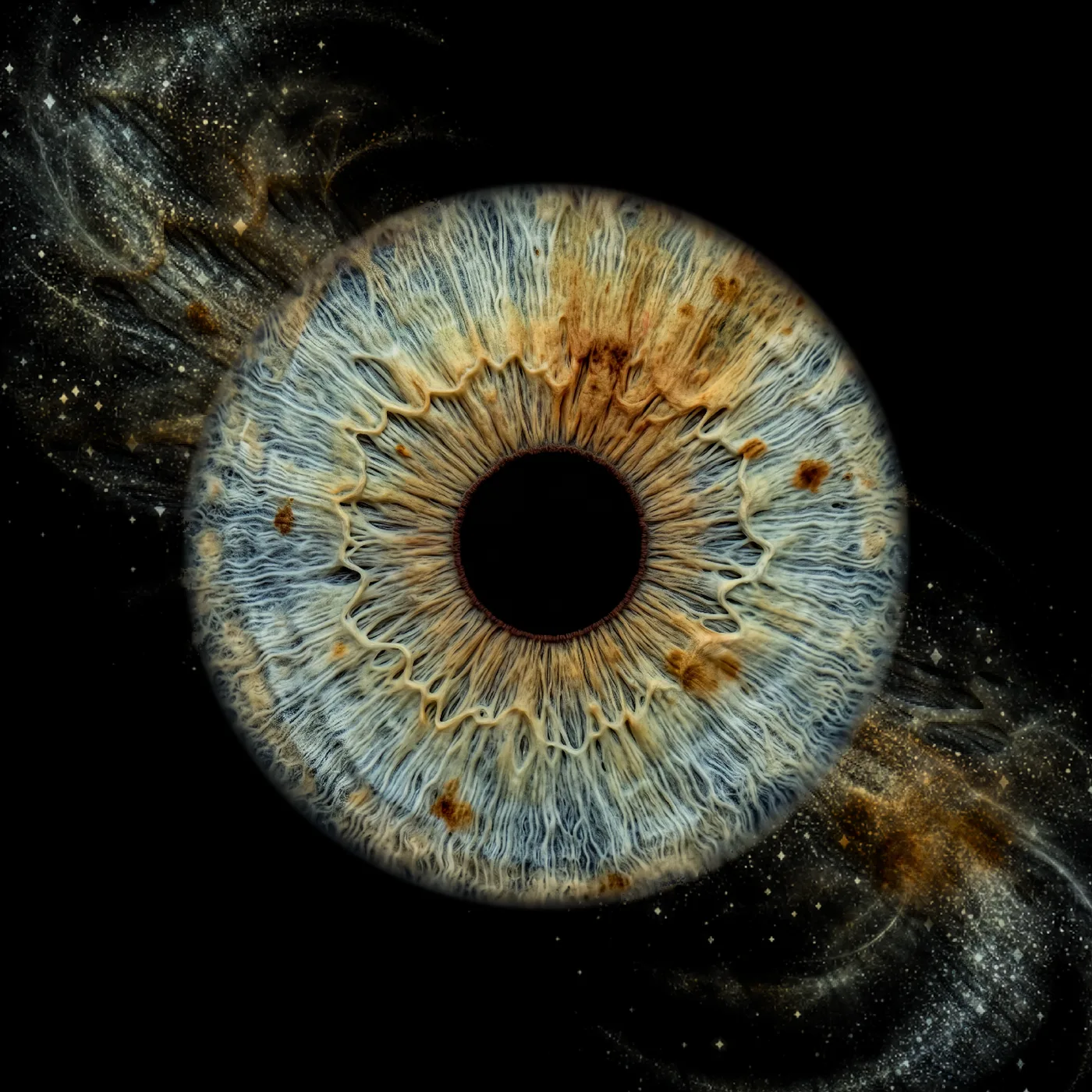
Stardust drift
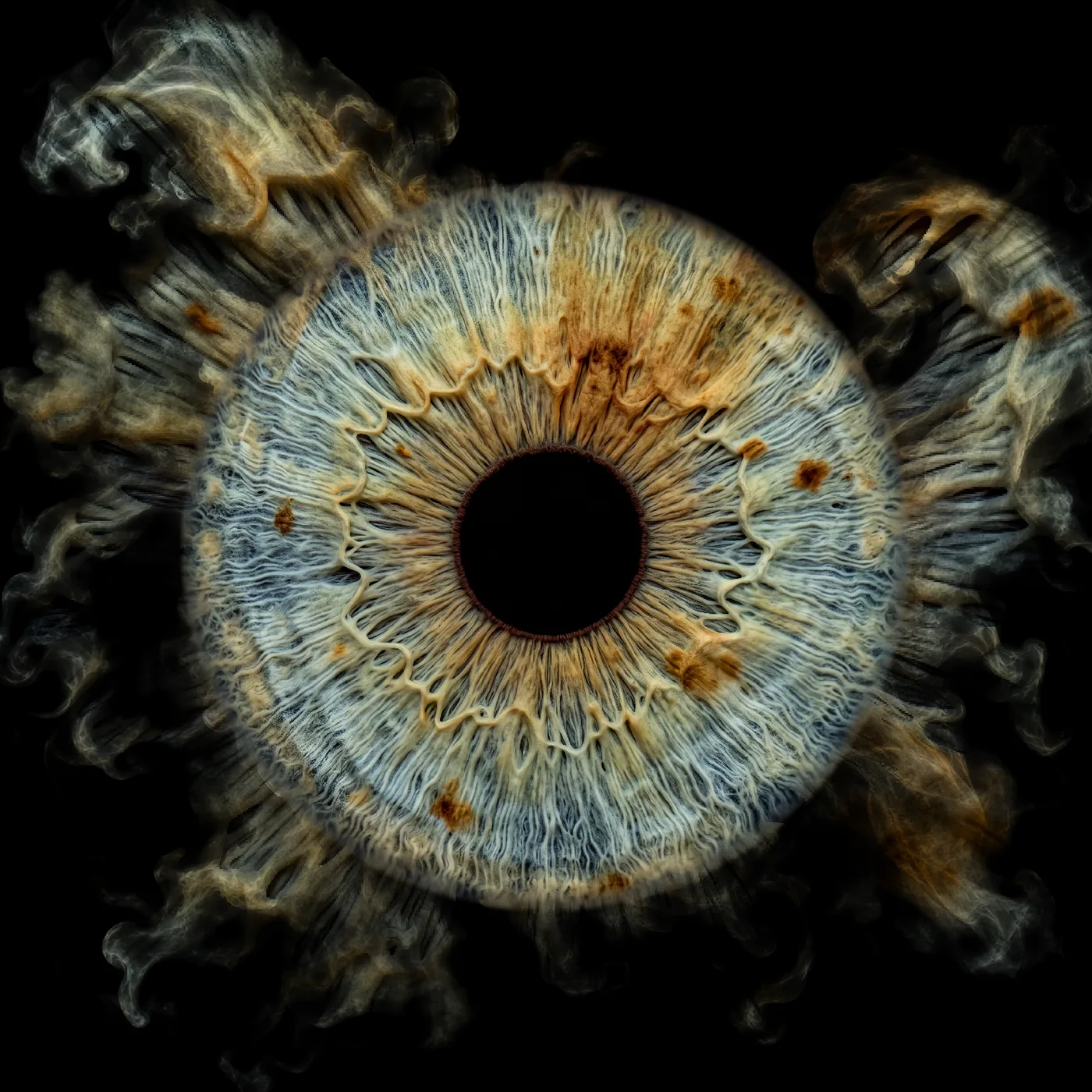
Smoke veil
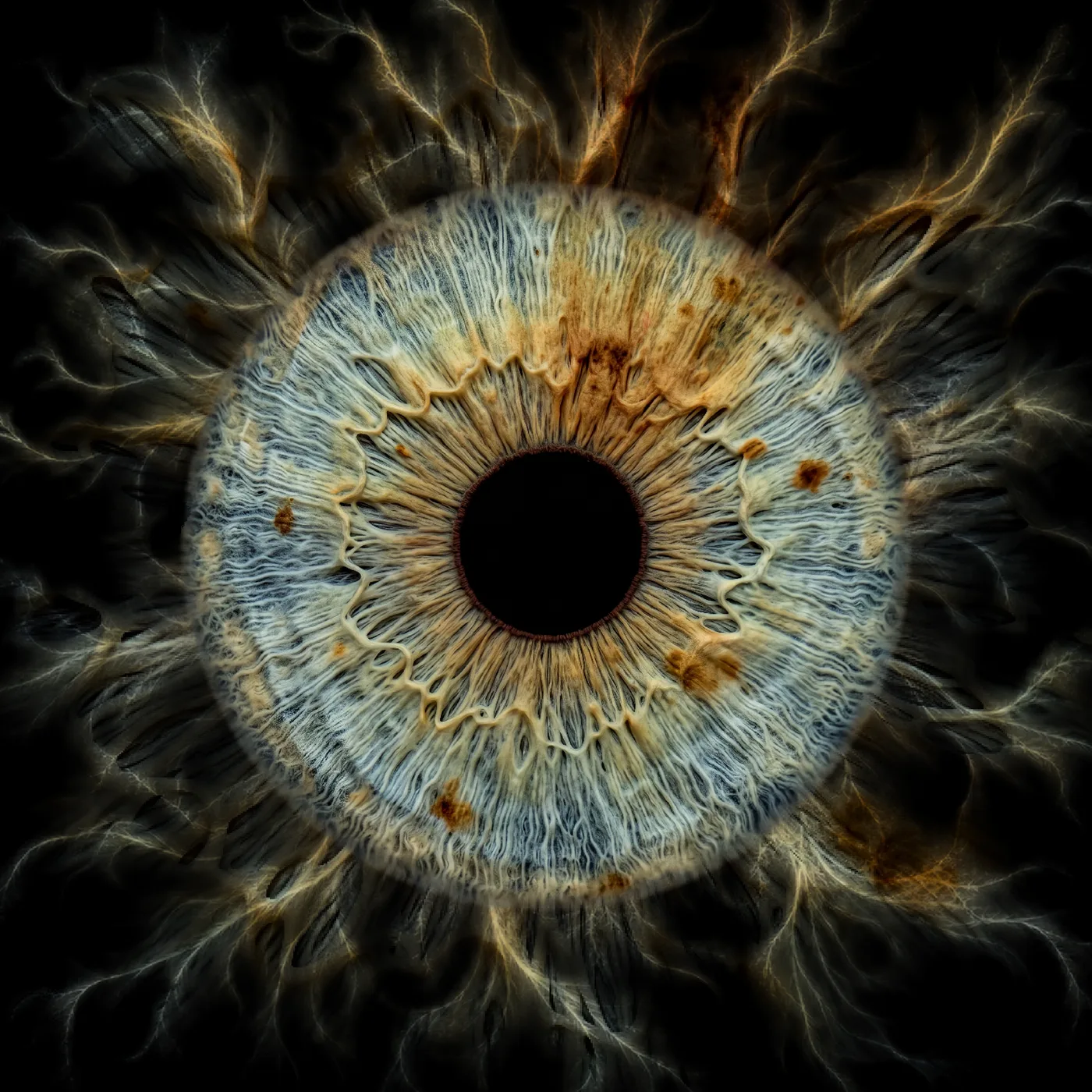
Fibre trails
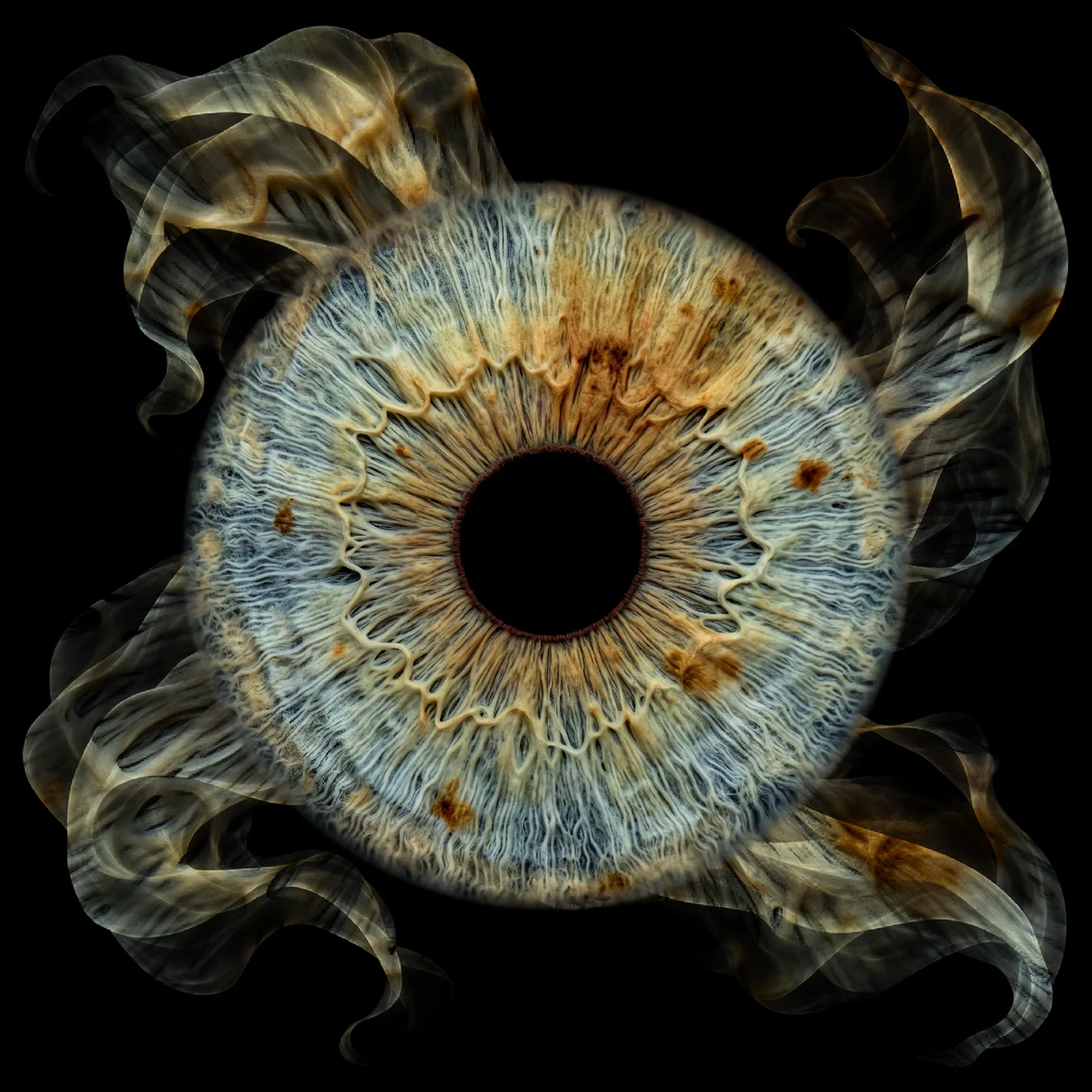
Silk flow
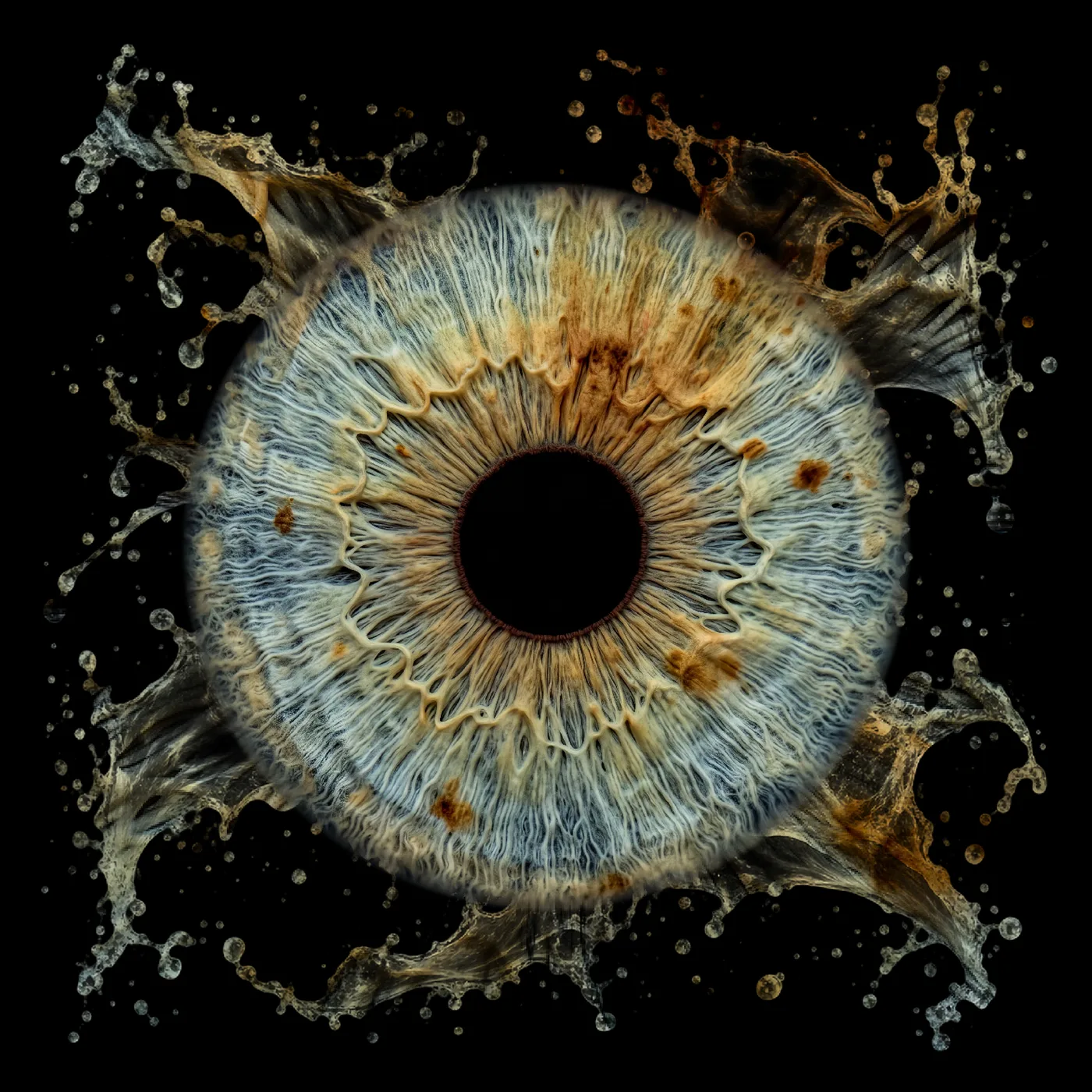
Liquid edge
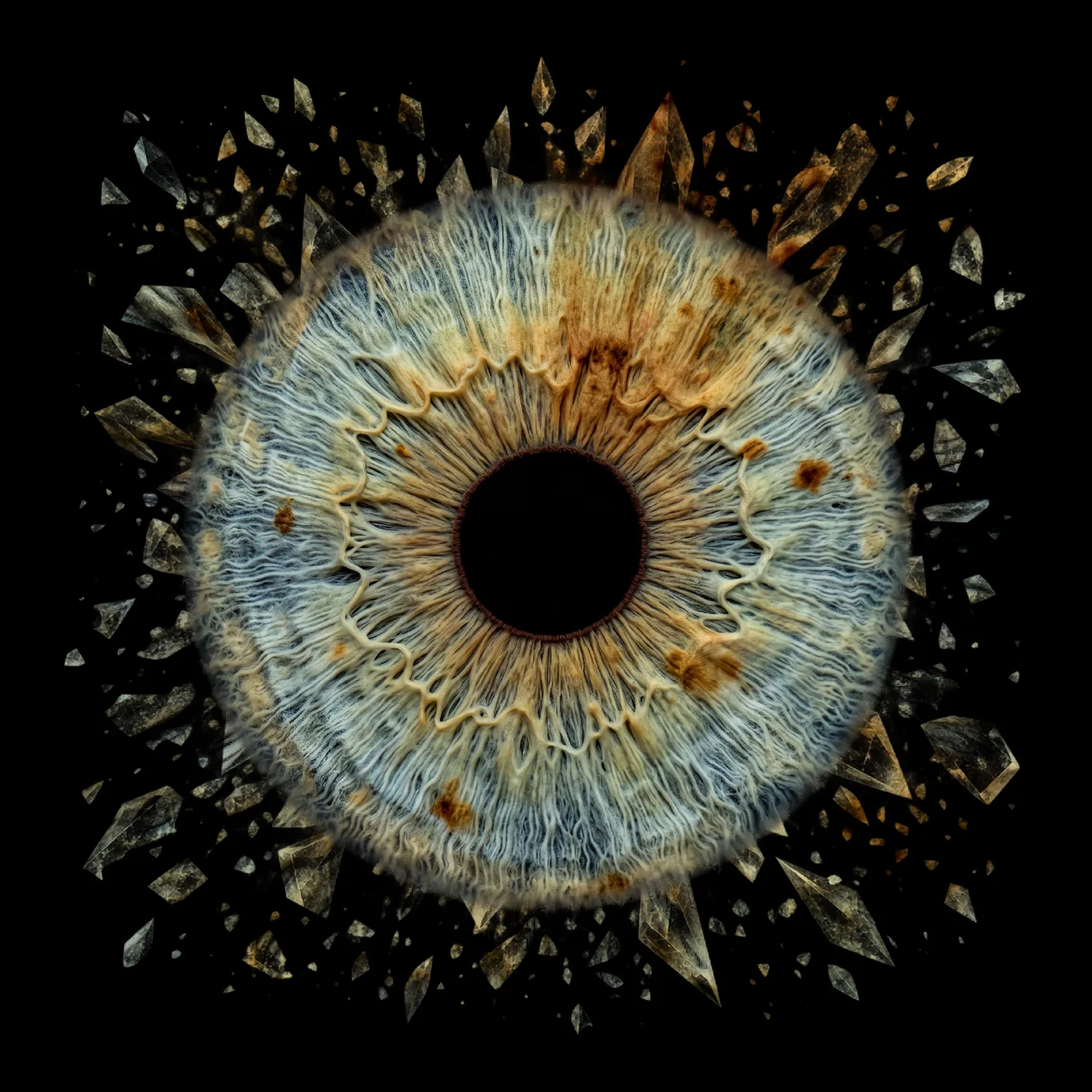
Crystal edge
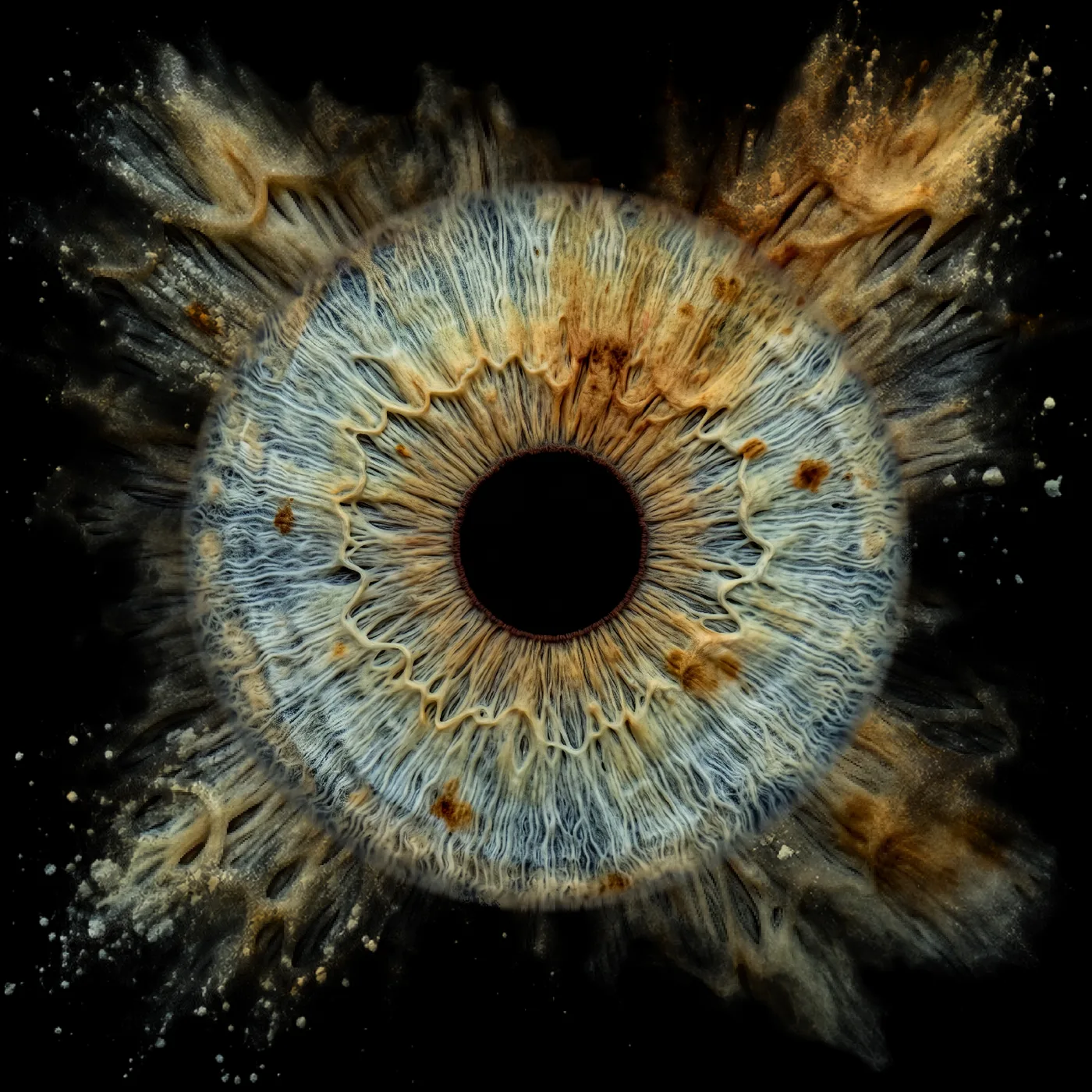
Soft powder
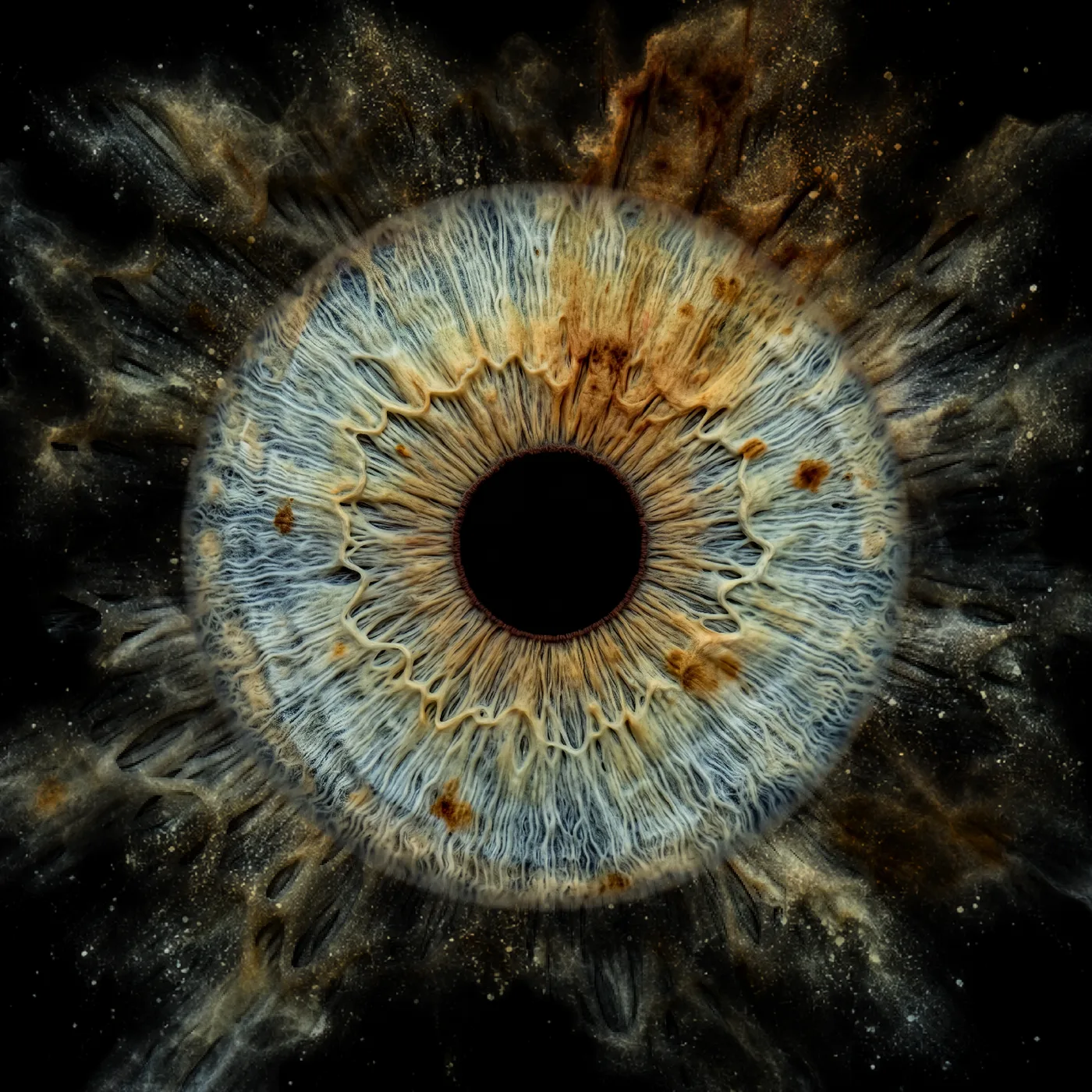
Fine dust
Art styles are completely optional
After generation you can download the finished iris directly in 4K and then edit it manually in Photoshop or your preferred image editor, entirely in your own style. Alternatively you can use the design editor . You decide which workflow suits your studio and your own visual signature. IRISORA does not impose a fixed style.
What this means for your studio day
- Reflect client wishes directly in the arrangement.
- Reuse proven designs as personal presets.
- Create and keep several variants per order.
- Organise projects clearly with their processing status.
- Do the design work inside IRISORA without switching applications.
- Compare effect templates without additional extra costs.
Quality you do not have to explain
Three 100 % detail crops from real iris results – the basis of every composition. All comparisons and difficult captures are on the quality page.


What photographers say about IRISORA
Real feedback from photographers already using IRISORA in their workflow.
Feedback from an iris photographer
“[…] by far the most realistic editing plugin […] it does not look AI-generated at all. […]”
Feedback from an iris photographer
“[…] We especially noticed the improved detail compared to the system currently being used. […]”
Feedback from an iris photographer
“[…] I’ve tested it to see what kind of results I could achieve, and I have to say, the results look fantastic! […]”
Feedback from an iris photographer
“[…] I am very impressed by the results! I want to work with your service further. […]”
Feedback from an iris photographer
“[…] I tried it and I have to say I’m very satisfied with the editing. […]”
Excerpts from genuine feedback by photographers actively using IRISORA. Some feedback has been translated.
What does one iris cost you today?
Compare your current retouching time with the fixed credit cost of iris processing. The calculation uses only the stored package prices.
- Working hours currently required per month
- 13.3 hrs
- Calculated internal labour cost
- €866.67
- Credit price in the selected package
- €2.00 per iris
- Credit cost for this number of irises
- €80.00
- Calculated cost difference
- €786.67
Non-binding example calculation based on your own inputs. Individual review and adjustment time, taxes, style credits and other operating costs are not included.
Credit packages
- No base fee
- No subscription
- Credits never expire
- 4K output included
Terms of use
Entrepreneurs only
The offer is aimed exclusively at entrepreneurs within the meaning of § 14 German Civil Code.
Protected area
Uploads and results live in a protected area with separate access per studio.
Data processing agreement
A data processing agreement is available for processing client images.
Start with your own captures
Try IRISORA Studio for free – 5 free iris edits included – and design your first composition from your own material.
5 free iris edits included